November 7, 2026 · 6 min · engineering · api · agents
.mdEngineering Live Presence: Building Realtime AI Avatars with Code
Explore how realtime AI avatars combine visual presence with intelligent conversation, from a single portrait to interactive voice and tool-calling.
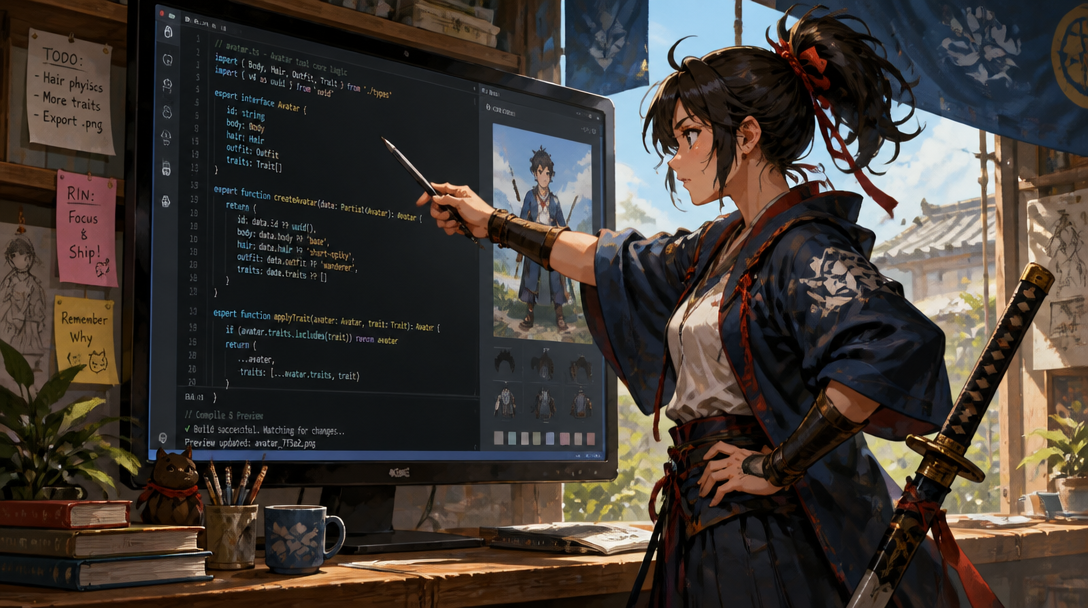
A real-time AI avatar brings an intelligent agent into dynamic visual presence, offering conversational interfaces that mirror human interaction through synchronized speech, expressions, and gestures. Unlike pre-rendered video, a real-time avatar listens and responds live, adapting its dialogue and movements to the flow of conversation. For developers, this means moving beyond static animations to build truly interactive experiences where an AI character can engage in full-duplex dialogue and act on user requests, all rendered and delivered in the moment.
The Core Mechanics of Live Presence
At its foundation, a real-time AI avatar integrates several advanced systems: Automatic Speech Recognition (ASR) to understand user input, a Large Language Model (LLM) for conversational intelligence, Text-to-Speech (TTS) for natural voice generation, and a sophisticated rendering layer to animate the avatar. These components must operate in concert, with low latency, to create the illusion of genuine interaction.
The TIC Realtime Avatar platform is designed to streamline this complex pipeline. An avatar is created from a single portrait image, from which the platform generates a looping idle video and a comprehensive motion library. This foundational visual asset is then brought to life, with video output audio-clocked to ensure that the avatar’s lips are perfectly synced to every syllable it speaks. This precision in synchronization is a subtle but critical detail that enhances the perception of live presence.
The Full-Duplex Advantage
One of the most significant differentiators in real-time avatar interaction is the handling of conversational turns. Traditional voice AI often operates like a walkie-talkie: one party speaks, then waits for the other to finish before responding. This creates unnatural pauses and can make the system feel rigid. Our avatars, however, operate in full-duplex, meaning they listen continuously, even while speaking.
This full-duplex capability manifests in several crucial ways, reducing the need for developers to build complex turn-taking logic:
- An avatar can be interrupted mid-sentence and will stop, able to acknowledge the interruption in character rather than abruptly cutting off.
- Common backchannels like a cough or an “mm-hm” do not derail the conversation, preventing the system from feeling brittle or overly sensitive.
- Pauses are interpreted by the language model based on what was said, not simply by silence duration, ensuring the avatar neither talks over the user nor leaves an awkward gap.
- The system can follow language switches within a single sentence, adapting to multilingual conversational patterns.
These behaviors are inherent to every call, requiring no additional configuration. The primary design choice to note is that an avatar will not initiate a new sentence over a user’s speech, a deliberate trade-off for the chosen voice and model characteristics.
Architecting Real-Time Interaction with the SDK
Building applications with real-time AI avatars necessitates a robust, developer-friendly interface. The TIC Realtime Avatar platform offers a typed TypeScript SDK, generated directly from its OpenAPI specification, ensuring clarity and consistency in development. This SDK, `realtime-avatar`, allows for seamless integration into web applications, handling the complexities of video streaming, audio processing, and conversational state.
Basic Integration: Bringing an Avatar On-Screen
Integrating an avatar into your application is a straightforward process. The SDK provides components like `<AvatarCall>` for rendering the avatar and managing the session. Your server, not the client, handles authentication and session policy, ensuring API keys remain secure.
<AvatarCall client={client} avatarId={avatarId} />                 // she is on screen
<AvatarCall client={client} avatarId={avatarId} mode="voice" />   // audio only
For a complete local application, a Next.js starter kit is available, pre-configured with a resident avatar like Rin Ashfall, mic controls, text messaging, and session management. This starter handles the crucial boundary where the browser communicates with your application, and your application securely communicates with our services.
Extending Capabilities with Tool Calling
A truly useful AI agent moves beyond mere conversation to action. The platform supports tool calling, allowing your avatars to interact with external services and data sources. You define a tool much like you would instruct a colleague: with a name and a clear description of when to use it. The avatar's underlying language model reads this description and decides when to invoke the tool.
import type { AvatarTool } from "realtime-avatar/tools";

export const checkOrder: AvatarTool<{ order_id: string }> = {
  description:
    "Look up the status of a customer's order. Call this whenever they ask " +
    "where something is, or when it will arrive.",
  parameters: {
    type: "object",
    properties: { order_id: { type: "string" } },
    required: ["order_id"],
  },
  execute: async ({ order_id }, { signal }) => {
    const order = await api.order(order_id, { signal });
    return `${order.status}, arriving ${order.eta}.`;
  },
};
The server-side component of tool calling involves granting the necessary capabilities during session minting. The client-side then registers these tools once the connection is established. Tools operate with a 2.5-second execution limit, encouraging fast acknowledgements and asynchronous delivery for longer operations.
// server — the session policy grants the client tool plane for this call
session: async ({ avatarId }) => ({ instructions, clientTools: true })

// client — register over RPC after connect; the record key is the tool's name
import { attachAvatarTools } from "realtime-avatar/tools";

const { accepted, rejected } = await attachAvatarTools(room, {
  check_order: checkOrder,
});Limitations and Practical Considerations
While powerful, real-time AI avatars come with practical considerations for developers. Latency, for instance, is a critical factor influencing user experience. Startup state, the chosen AI model, and network conditions all contribute to the final perceived latency. Therefore, specifying a universal latency number without a clear measurement protocol can be misleading. Developers should benchmark end-to-end latency within their specific deployment context to understand the user experience.
Regarding input, the platform handles speech recognition internally, processing live audio from the user. The public SDK does not provide a direct input for arbitrary audio from external text-to-speech services; the integration flow is designed for the platform to manage the speech synthesis and avatar animation synchronously. For maintaining conversational continuity across sessions, the responsibility lies with the application to store relevant prior context and provide it to the character when starting a new call. A new session does not automatically inherit persistent relationship memory.
Finally, the usage-based pricing model is anchored at approximately $5 per hour of real-time interaction, with included hours in monthly plans and tiered overage rates. This model is designed to support applications where sustained conversation is key, allowing for companion apps or interactive learning experiences to be shipped with predictable costs.
How to Ship It: A Practical Approach
The path from concept to a deployed, interactive AI avatar application is more direct than ever. Begin by exploring the character creation process in the Studio. Here, you can upload a single portrait image and define the persona that will embody your application’s voice.
For immediate development, the Next.js starter kit provides a production-ready template that includes basic UI, connection management, and example interactions. This is the fastest way to see an avatar live and interacting within a controlled environment.
Once you have a working prototype, the comprehensive documentation and OpenAPI specification serve as your definitive guides for advanced integration. These resources detail every endpoint, scope, and error, enabling you to build robust applications with confidence.
Remember, while the platform handles the real-time avatar's visual and conversational presence, your application maintains control over the overall user experience, authentication, data privacy, and the specific business logic powered by tool calls. The SDK and API provide the embodiment; your code provides the purpose.
Compare and cost guides
- Realtime Avatar pricing
- Avatar API cost calculator
- Realtime Avatar vs Tavus, HeyGen LiveAvatar, Anam and Simli
- Realtime AI avatar APIs compared
- Realtime avatar API pricing, worked out
- HeyGen and LiveAvatar API pricing explained
- Choosing a HeyGen alternative for realtime avatars
- Tavus pricing per minute
- A Tavus alternative for live AI characters
- Meta Muse Realtime Avatar vs Realtime Avatar
- A realtime AI avatar in React Native or Expo
- Live avatars in 2026: a field guide to the research